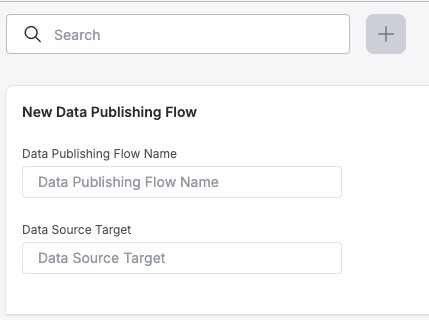
Navigate to the 'Data Publishing' page of the UI and select the '+' button to create a new Data Publishing Flow
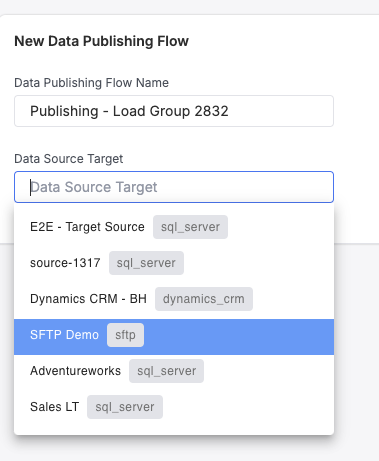
Give the flow a name and select a target to publish to; Optionally, if the target type is SFTP, select a File Format from the Dropdown as well
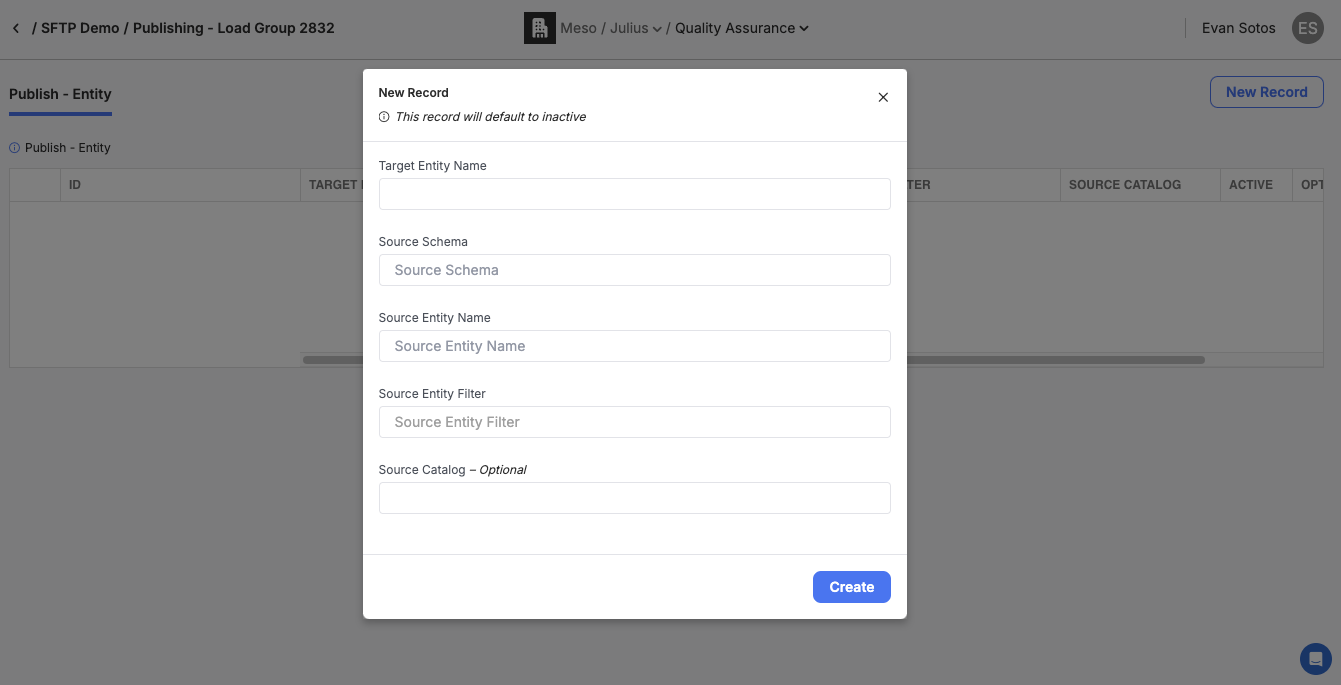
Select 'View Configuration' from the Data Publishing flow page for the given flow, and configure Publish Entity records as normally done in advanced options
If multiple targets are published to as part of a single Load Group run, repeat steps 1-3 as necessary to migrate over