Analytics Engineering Flows
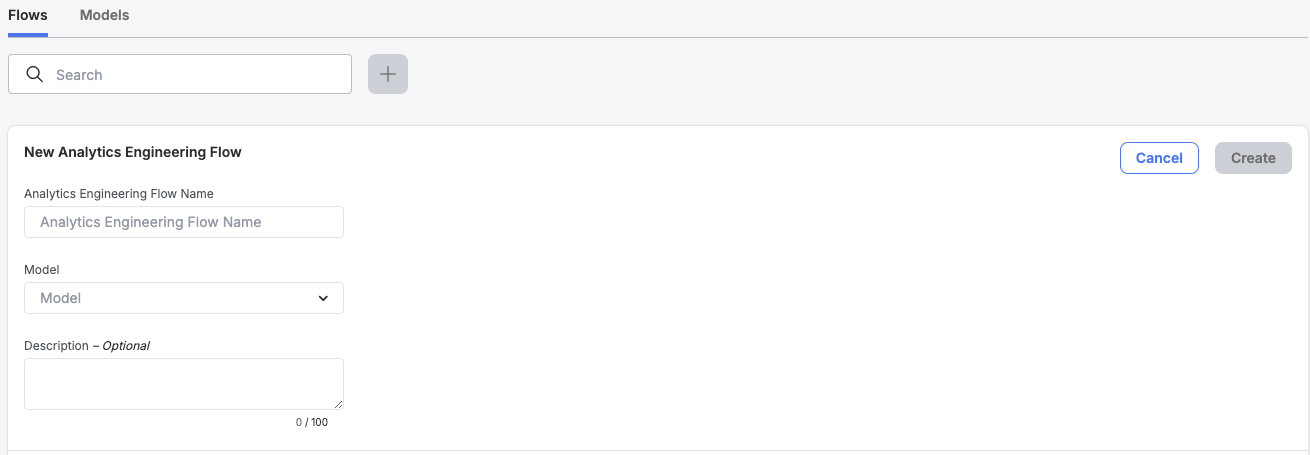
- Navigate to the Analytics Engineering page of the UI and select the '+' button to create a new Analytics Engineering Flow
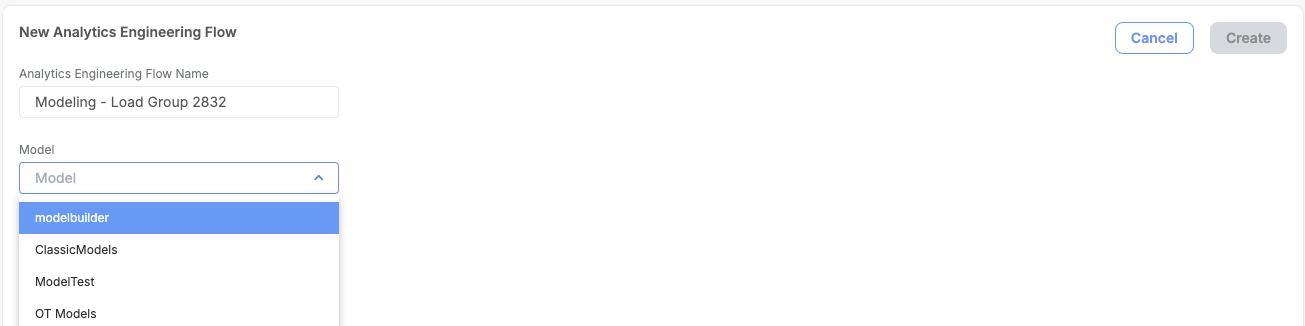
- Select a model to be included as part of this flow's execution
- Optionally add a description to the flow to provide more detail as to what this modeling run does, and complete the flow
- If multiple models are ran as part of a single Load Group Run, repeat steps 1-3 as necessary