Source types management
Source type service and source type usage
Source type service contains all global source type entities that are common for all the API's and shared between them.
Source types are global and are common for all enterprises. Endpoints related to the source types located at the global frontdoor service and start from /api/v1/source-types and can be found here
https://dv.frontdoor.empoweranalytics.io/
https://in.frontdoor.empoweranalytics.io/
https://qa.frontdoor.empoweranalytics.io/
https://frontdoor.empoweranalytics.io/ # for production

# use /docs to access service's swagger
There are no change endpoints for source types (like POST, PUT, etc), so to create a new entity or update an existing one django admin panel is used. It can be accessed with the/admin URL path.
The source types part on admin can be accessed with the direct URL (https://dv.frontdoor.empoweranalytics.io/admin/sourcetypes/sourcetype/) or by clicking on the Source Types link at the bottom of the page.
Managing source types
Adding new source types
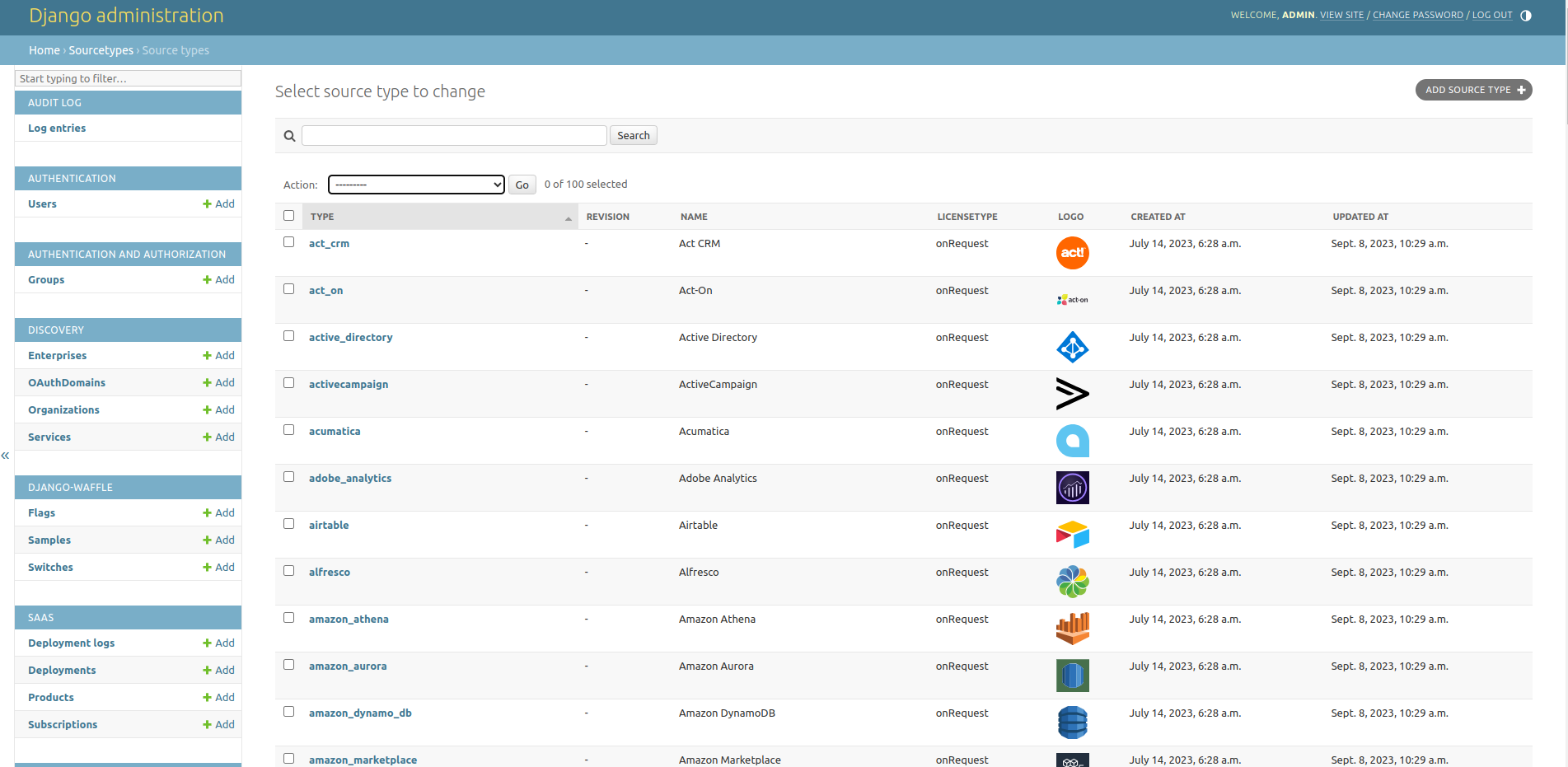
To add a new source type click Add Source Type button.
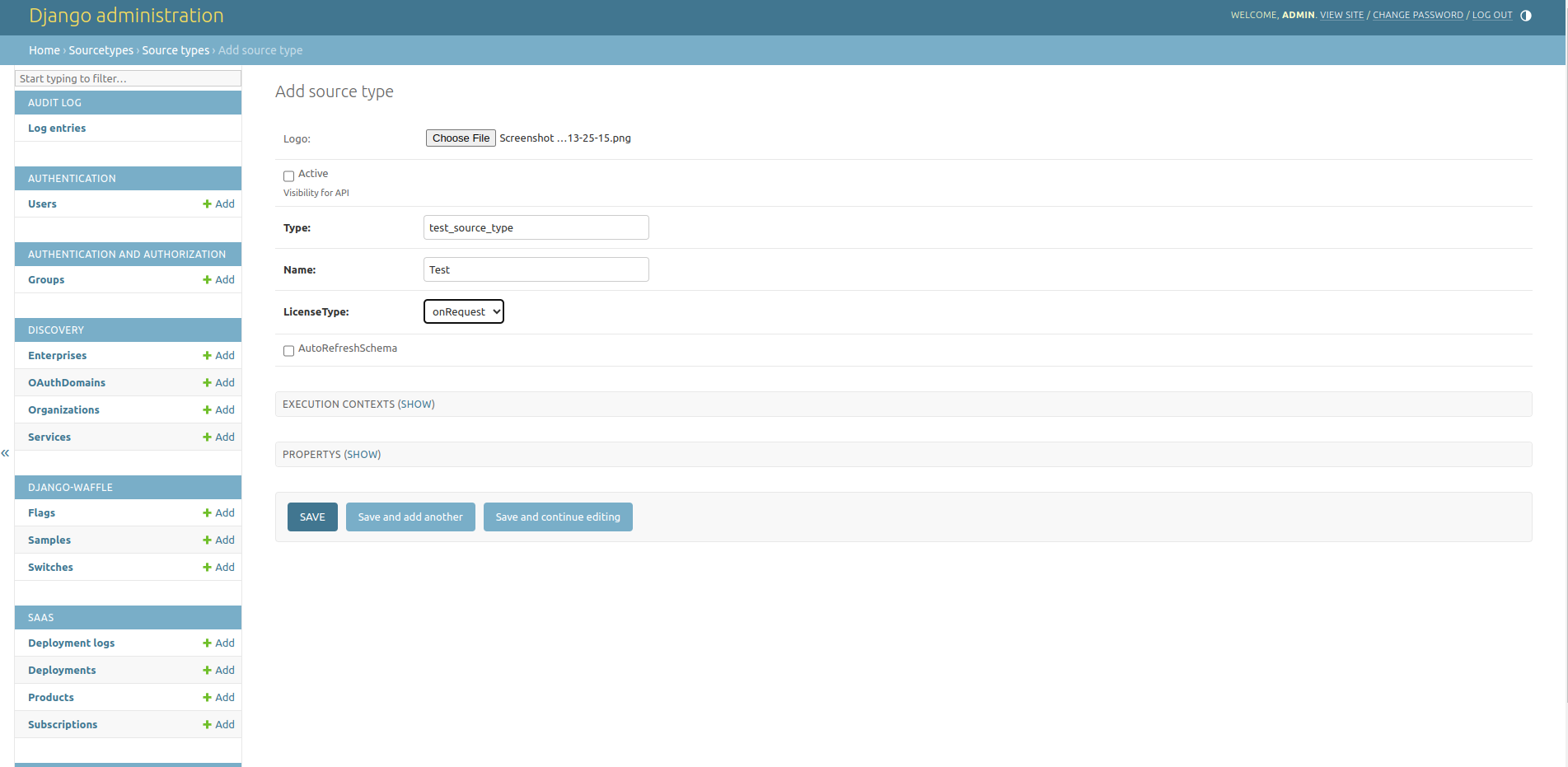
After filling of all the needed data, click Save button.
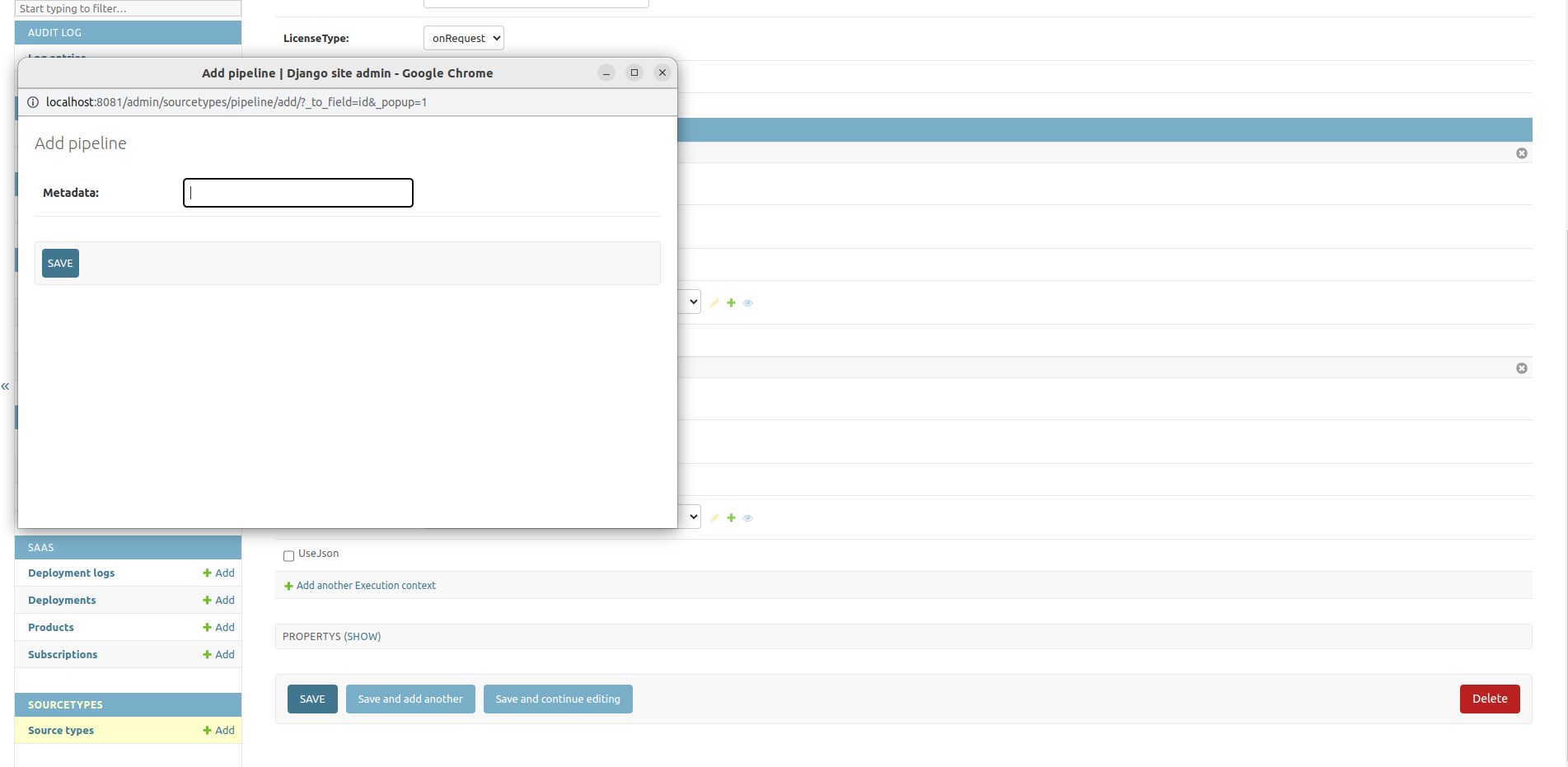
Pipelines could be selected from the pipeline dropdown, most probably all already existing pipelines are related to other source types, so to create a new one, you can click + button and new pipeline can added through the new window
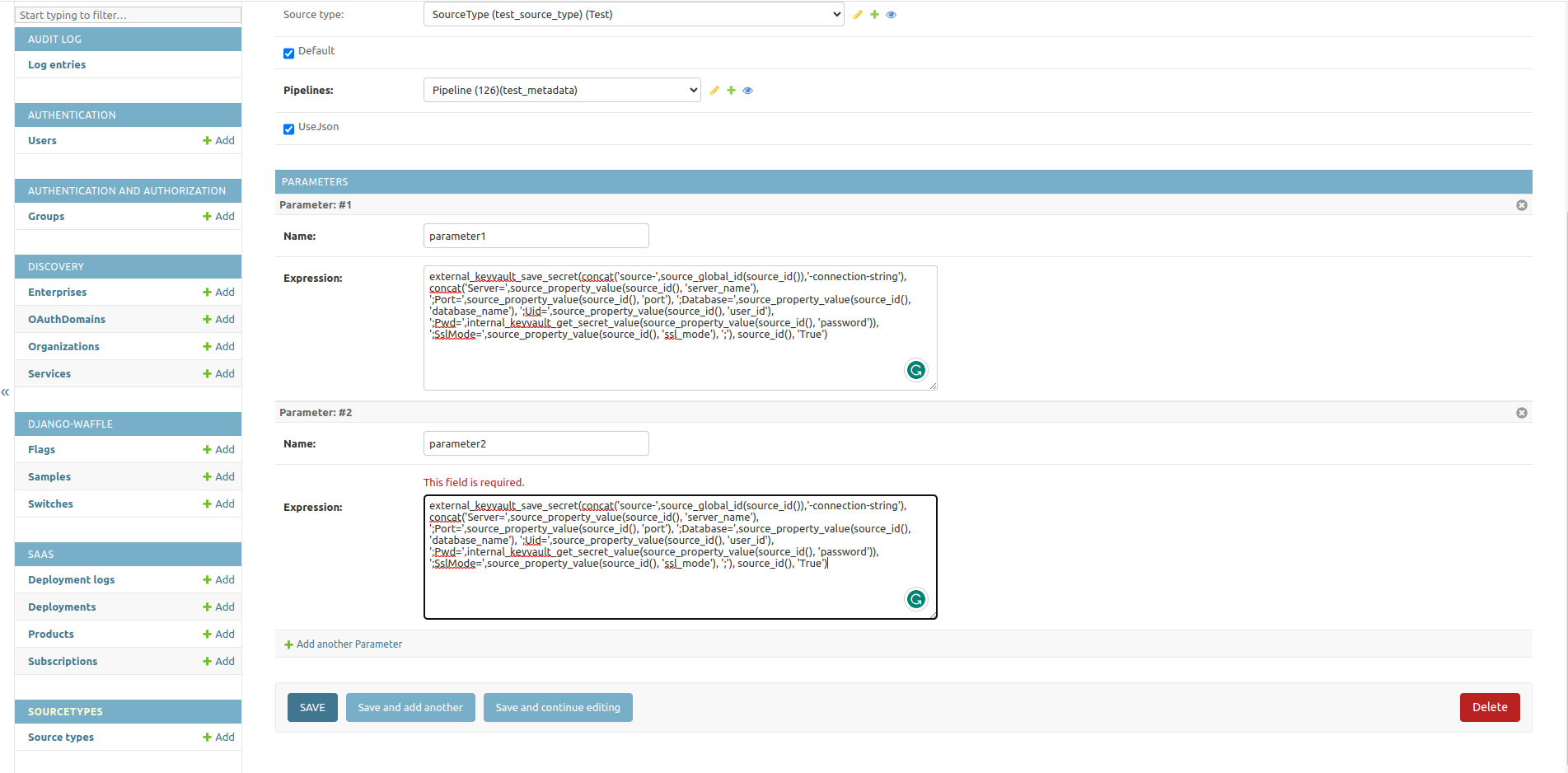
Each execution context could have multiple parameters. To add them, navigate back to the source type, expand the execution context section, and click Change on the needed execution context. In the same way execution context contains properties - click Showon the parameters section and add information related to Parameters.
Properties are located on the same level as execution contexts and can be added in the same way.
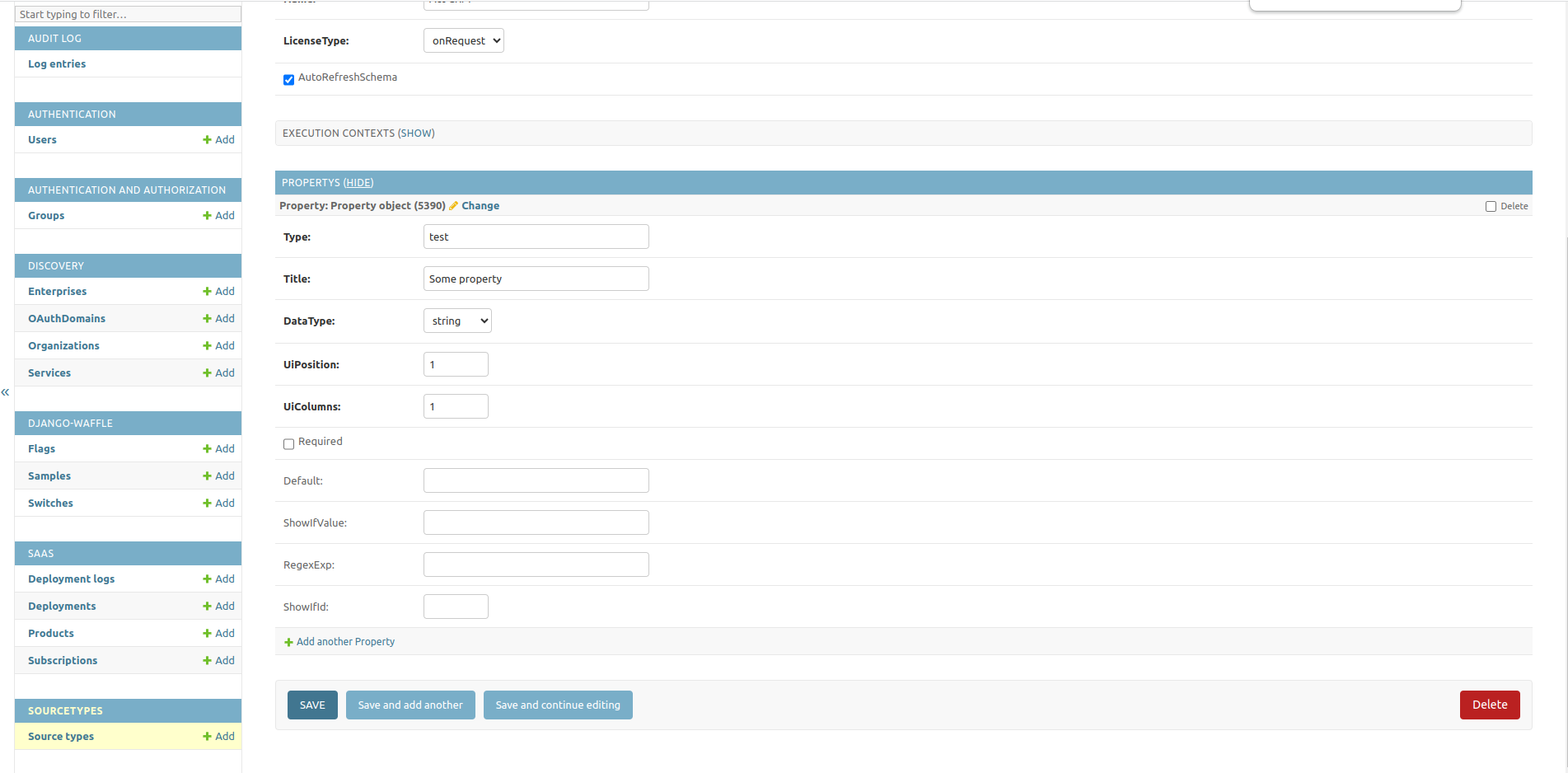
Updating already existing source types
Everything else could be applied to already existing source types. To find proper source types search input can be used. It uses type, name and lisence type field for search checks.
Removing source types
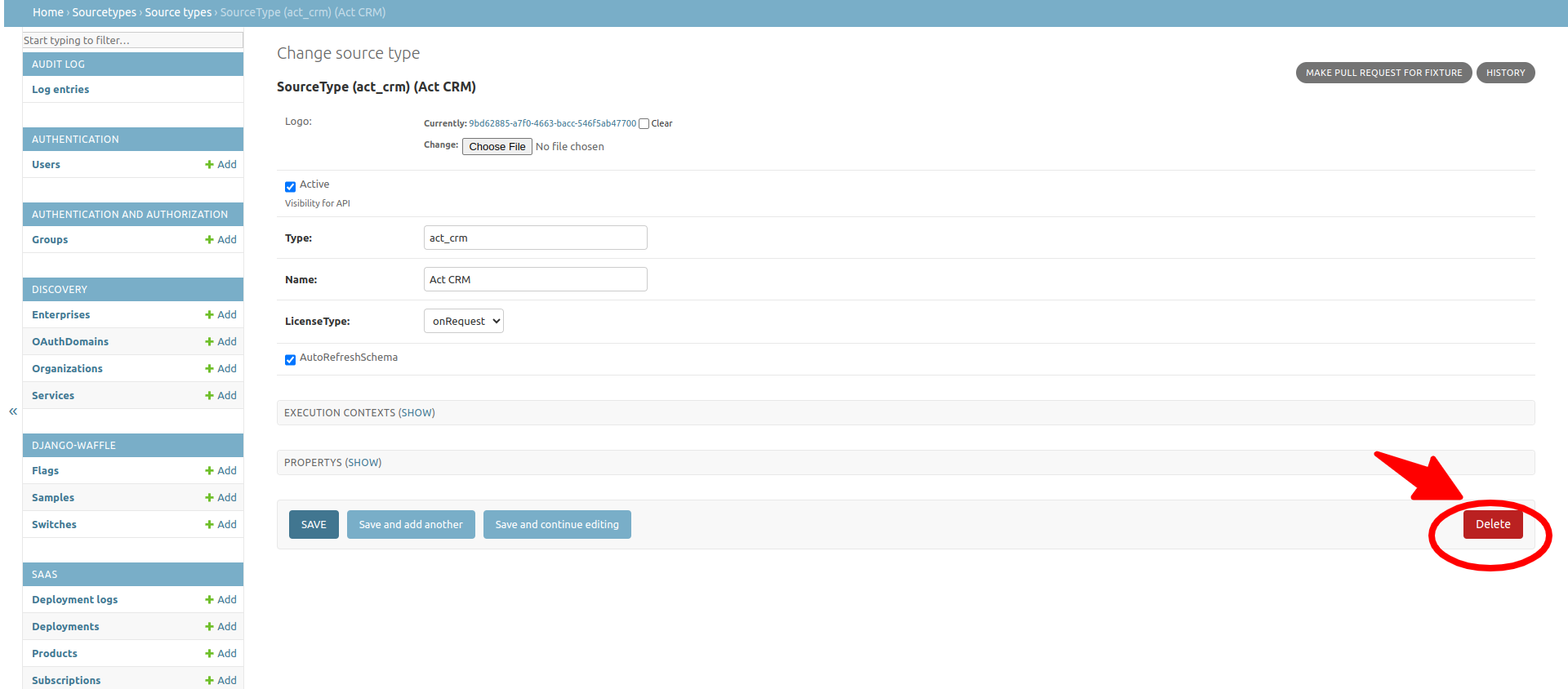
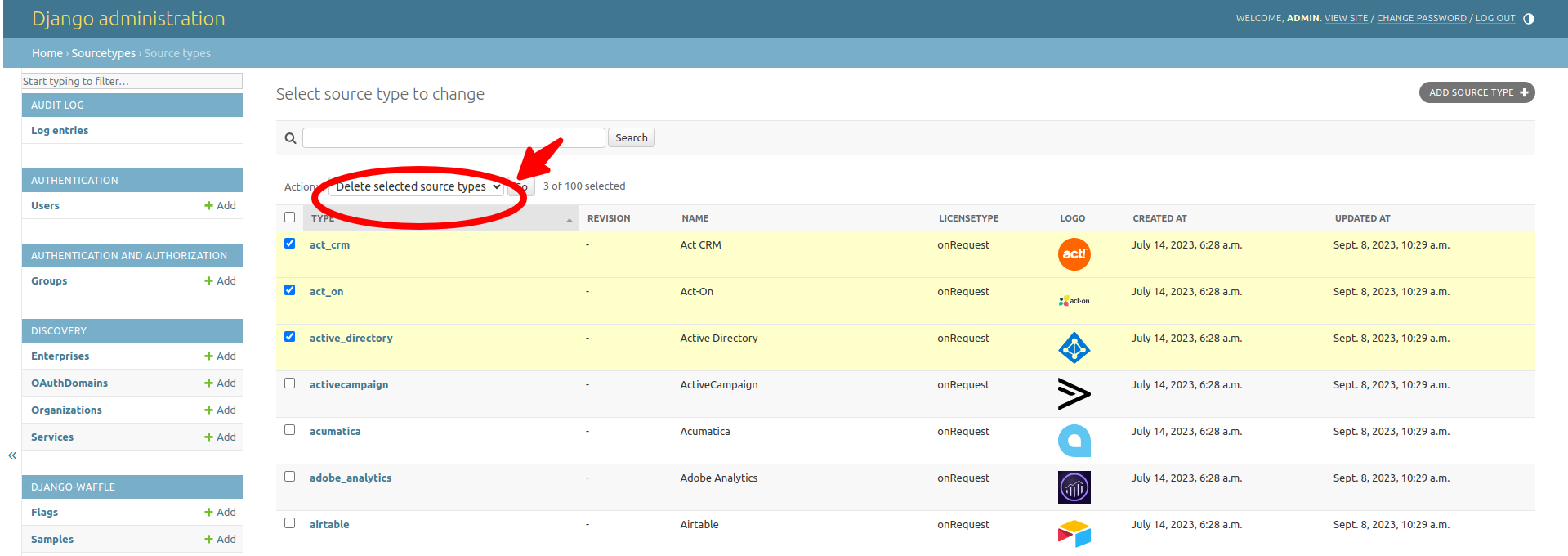
There are two ways to delete source types. It can be done from the object change page by clicking the 'Delete' button or from the list view by selecting needed source types by clicking Delete selected source types actions.
Fixtures management
Fixtures from the /backend/fixtures/sourcetypes/*.json are the only source of truth for the source type service.
Frontdoor services on each environment load the fixtures on the container start and overwrite already existing source types with the new ones. So everything that could be created manually can be potentially missed on service restart.
To keep saves that are being made in the source types admin page, those changes should be reflected in new fixtures. To create new fixtures users can follow a few different approaches
- To create new / update existing single fixtures from the source type, the user may click
Make Pull Request For Fixtureon the object change page.
A new pull request will be created for the empower-frontdoor itself. A message with the link will be shown and the user can navigate to see that pull request. If data inside the pull request is valid, the user can merge it to the development branch.
- Creating new / updating existing source types at once can be done from the source types list view.
show list view and actions
Do your changes, then select source types that have those changes and click 'Make Pull Request For Fixture'. A new pull request will be created with multiple fixture changes.
- There is no separate action to delete source types. Delete pull request happens automatically when the user clicks the 'Delete' button on a single source type or Delete multiple source types from a list view. Source types can't be deleted if Frontdoor services are not configured with GitHub credentials, error would be shown if there is such an issue.