Cloudflare WARP
VPN / Network Access to Internal Resources
Instead of VPN, Hitachi uses a Zero Trust system powered by Cloudflare to provide specific access to certain internal sources to employees. Unlike other mechanisms, the Cloudflare tool works great on mobile devices and is very high performance.
Cloudflare WARP
To access Empower Central resources such as SQL Server, you will need to use Cloudflare WARP to tunnel your traffic to them via private network. The following instruction is to set up the WARP client on your machine:
-
Download and install Cloudflare WARP from https://1.1.1.1/
-
Click on warp in the try and navigate until reaching the menu shown.

-
Click the gear icon in the bottom right and select preferences.
-
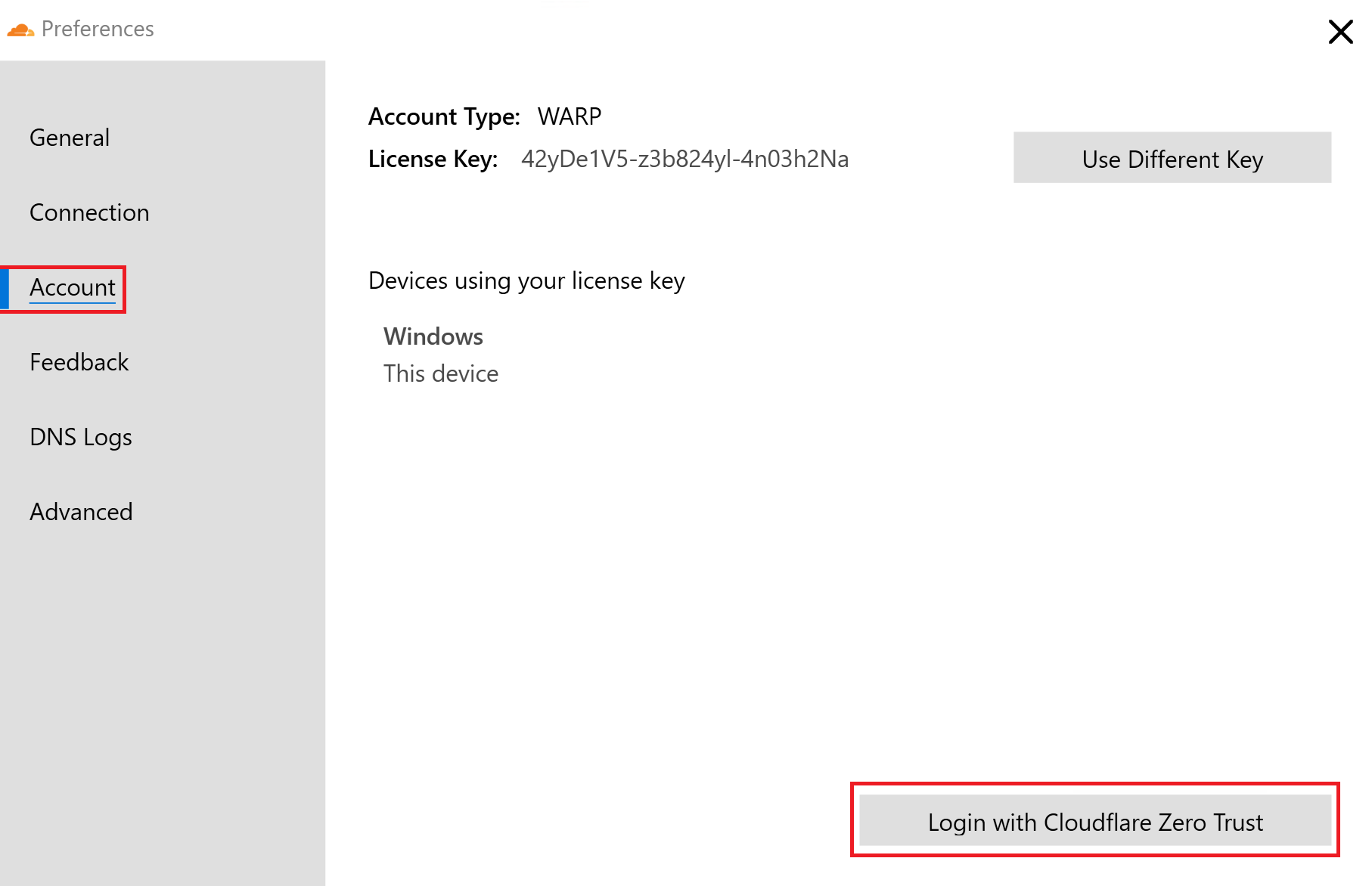
Navigate to the account tab and select login with Cloudflare zero trust.
-
Enter
hitachisolutionsamericafor the organization name and sign in with your Hitachi Solutions credentials. -
Once logged in, you can click on the toggle switch on the Cloudflare WARP icon in the tray to connect to the tunnel.
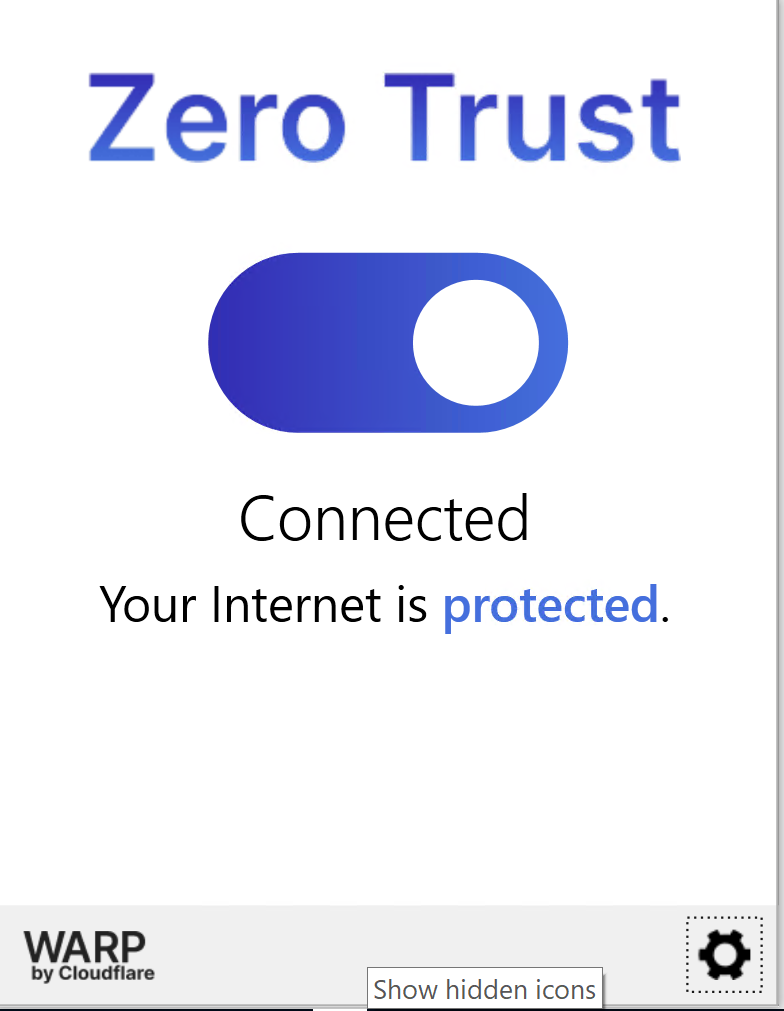
You should now be able to connect to Empower Central resources like sql server database through management studio or any other db client.